
iTourTranslator for Desktop
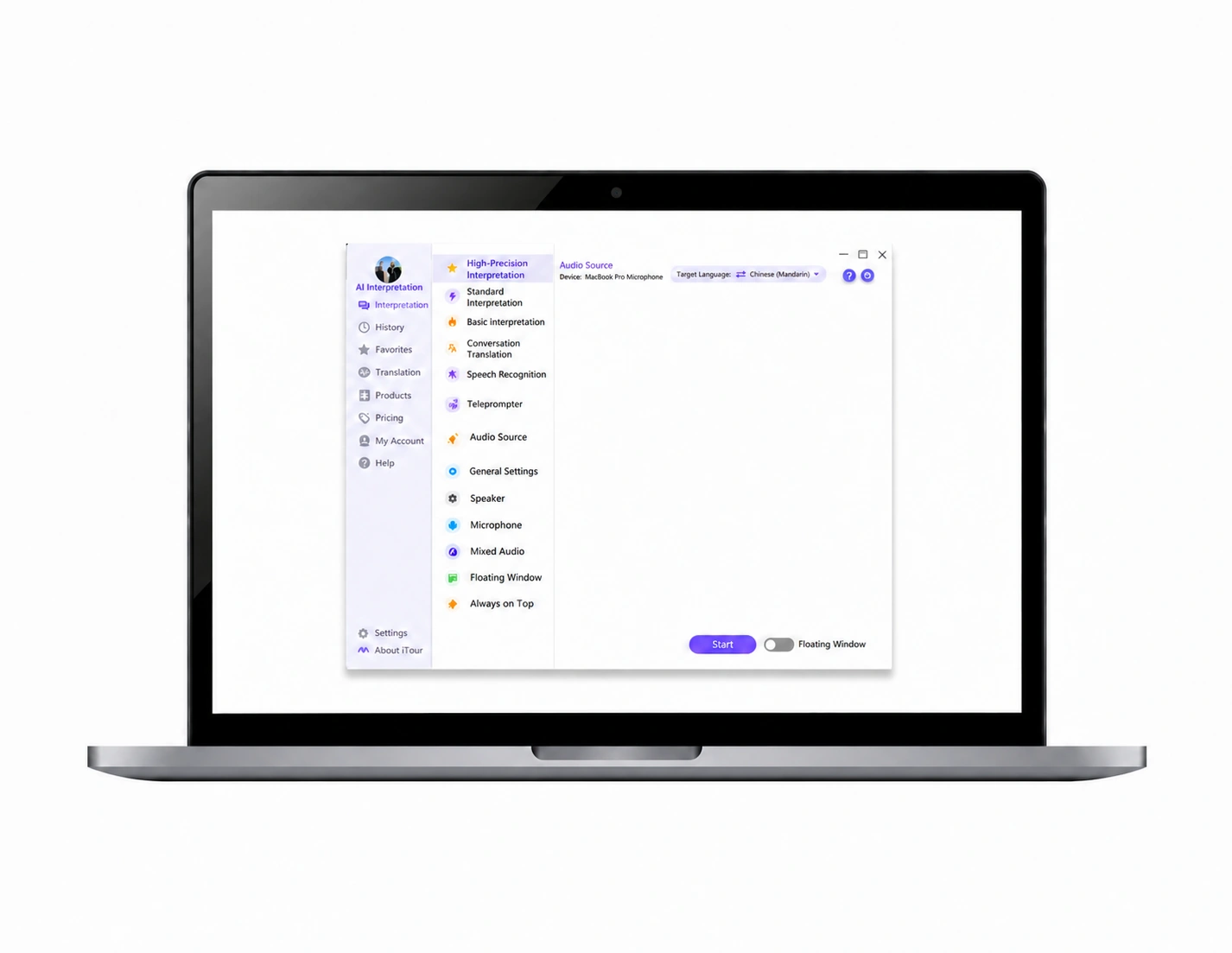
Capture computer system sound or microphone sound in real time and generate real-time bilingual subtitles. Meetings, online classes, foreign language videos, all with one click.
Choose your platform
Windows64-bit · .zip installation package
Suitable for scenarios such as conference interpreting, classroom translation, and watching foreign-language videos.
macOSMac App Store · Installation Package
Suitable for scenarios such as conference interpreting, classroom translation, and watching foreign-language videos.
What can the desktop version do?
Real-time Voice Translation
Translate in-person and online meetings on platforms such as Zoom and Teams in real time, with bilingual subtitles, automatic meeting summaries and audio recordings.
ChatGPT Intelligent Q&A
Integrated GPT features: intelligent Q&A, copywriting optimization, writing assistance, and the ability to provide real-time answer references during interviews in foreign language environments.
Phone Call Translation
Ideal for employees in cross-border e-commerce and multinational enterprises making phone calls.
iTour Chat and Image Translation
You can add friends, and it supports real-time translation for text, voice, and video calls; you can upload images to recognize and translate text on signs, menus, labels, books, etc., and extract the translated text.
Text / Document / Audio Translation
Supports translation of text, images, files, and audio, as well as real-time translation for various third-party audio and video calls.
Translation for Every Situation
Watching foreign videos/live streams, online courses for international students, Zoom/Teams cross-border meetings, offline classes, business meetings.
Help
Installation, login, top-up, and frequently asked questions.
Other software
More iTourTranslator software.

 Support