
Redeem a Top-up Card
Have you already purchased a top-up card (for example, through a WeChat mini program or Taobao)? Once your account is found, enter the card number to redeem. The redemption is completed on the official redemption page.
Complete the exchange in three steps
Operate in the 'Redeem Top-up Card' tab on the official top-up page.
- Query accountChoose either the 'Mobile Number' or 'Account' query method. For mobile number queries, you need to select the area code (default China 86) and then enter the mobile number; for account queries, simply enter the account number and then click 'Search'.
- Select the account to redeemThe query results will display the username, nickname, and balance. After confirming that the information is correct, click 'Redeem' on the right side of the corresponding account.
- Enter the card number and confirmEnter the top-up card number in the pop-up window and click 'Confirm'. After a successful operation, it will prompt 'Recharge card redemption successful'. For details, please check in the App.
If the prompt says 'This card number is invalid or has already been redeemed,' it means the card number was entered incorrectly or the card has already been used; if the prompt says 'The queried account does not exist,' please check whether the phone number (including area code) or account is correct. If it still cannot be resolved, please Contact Online Customer Service ↗.
How to find an account?
When choosing the "Account" query method, you can find your account in the App by following the four steps below.
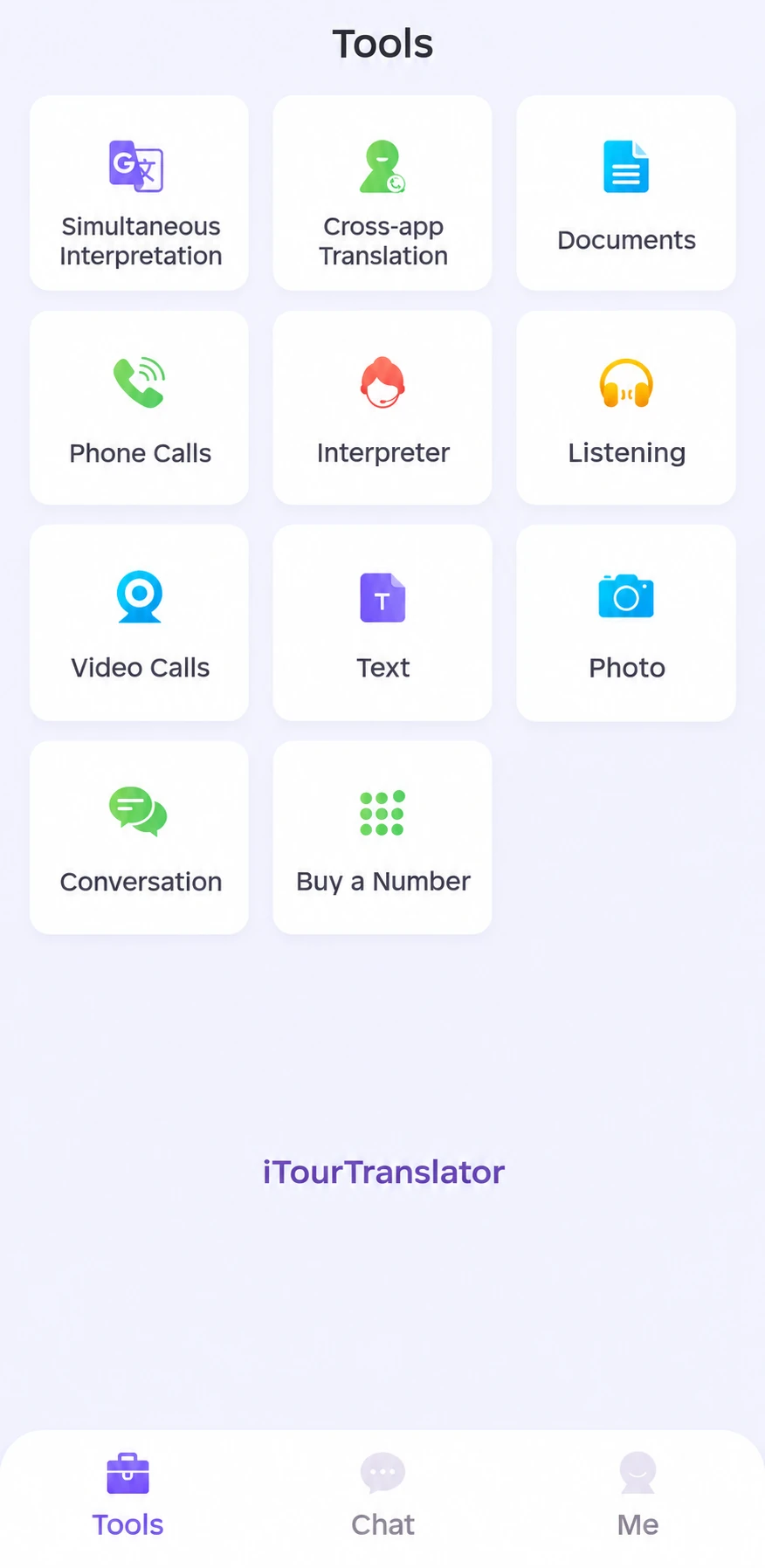 Step 1: Open the iTourTranslator AppOpen the 'iTourTranslator' app on your phone.
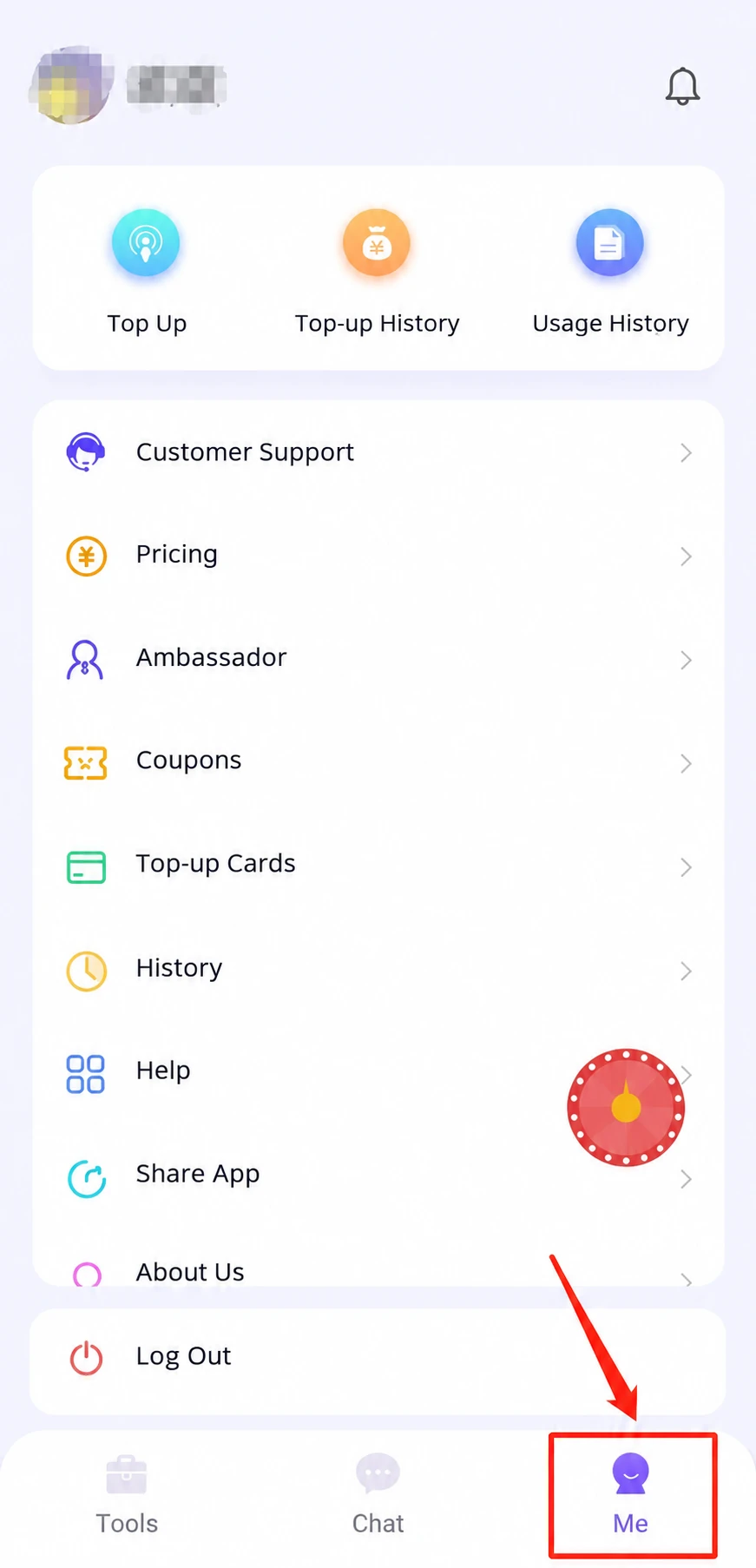
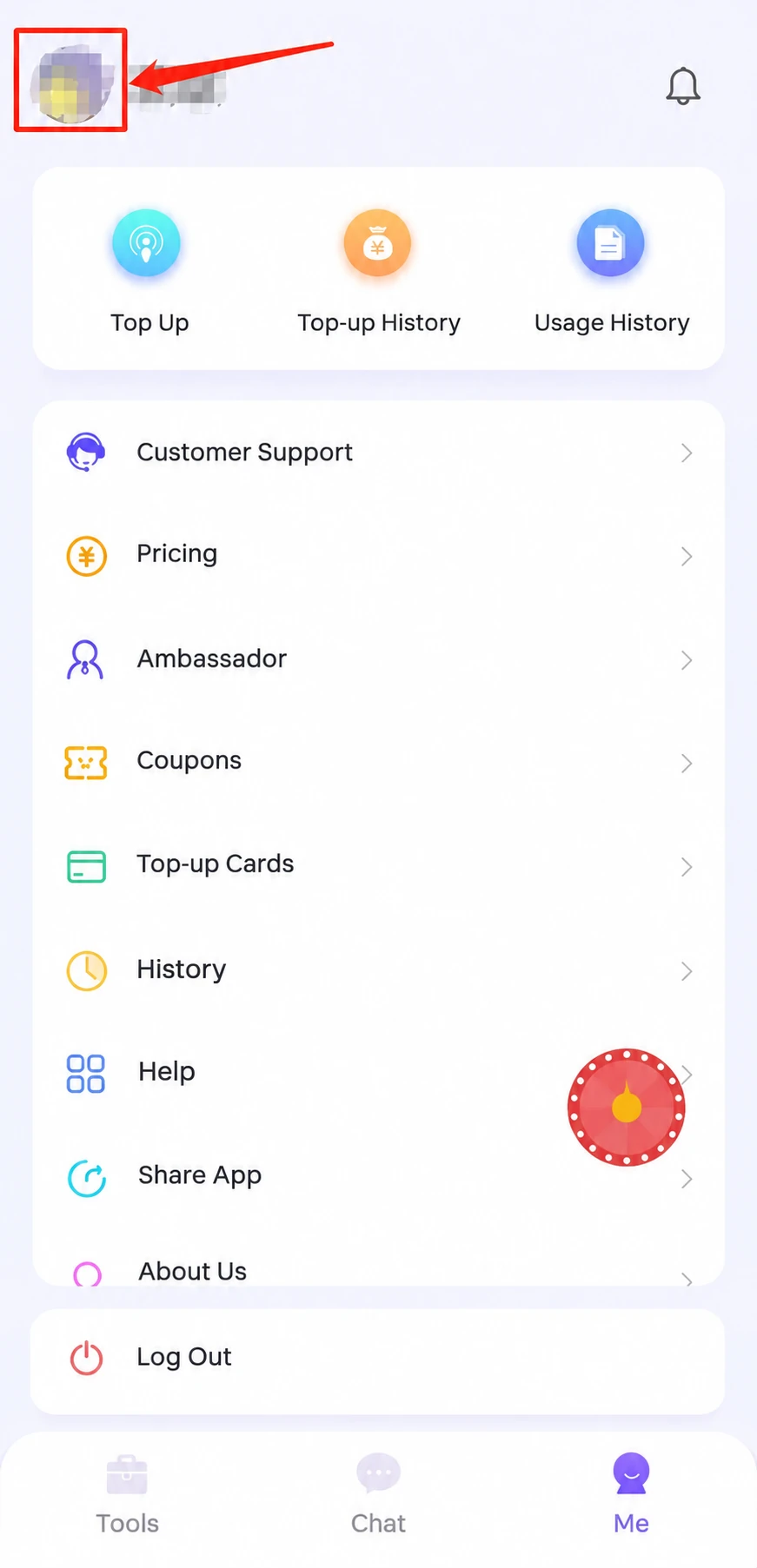 Step 2: Tap “Me” in the bottom navigation barGo to the 'My' page in the bottom navigation bar.
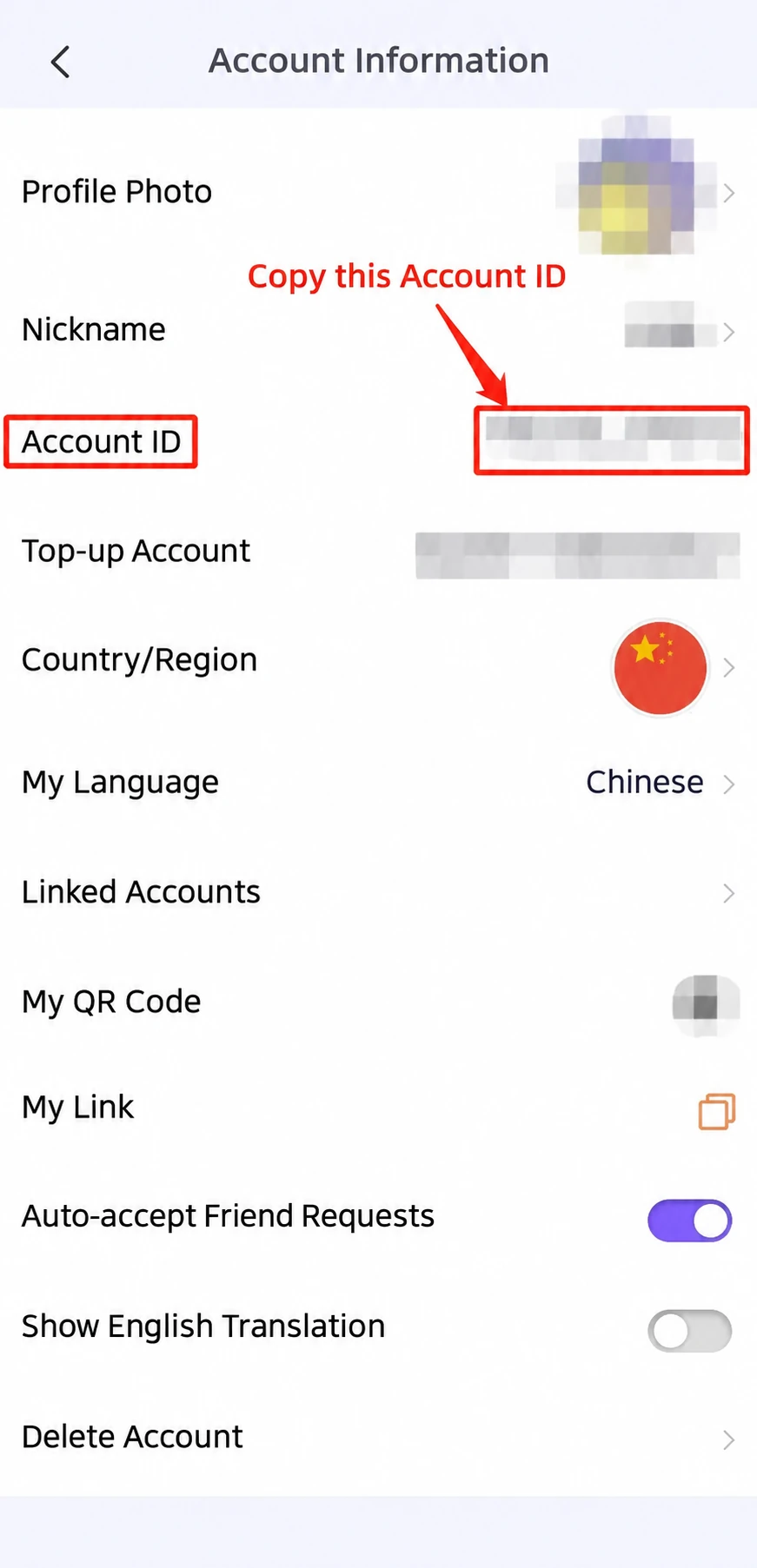 Step 3: Tap your profile photoClick the avatar to enter the personal information page.
 Step 4: Copy your Account IDCopy the 'account' on the personal information page and paste it back on the redemption page.
You can also directly redeem it in the software.
The following paths come from the official instructions in the help documentation.
Android phone
Open the app, tap 'My' at the bottom → find and tap 'Top-up Card' → enter the card number to complete the redemption.
Windows computer
Log in to the official website or client, go to 'My Account' → 'Coupon Redemption' → select 'Top-up Card Redemption' and enter the card number.
iOS phone / Mac computer
Open the 'iTourTranslator' or 'iTourTranslator' app, scan the QR code provided by the help center to go directly to the redemption page, and enter the card number to redeem.

 Support